Draw it.
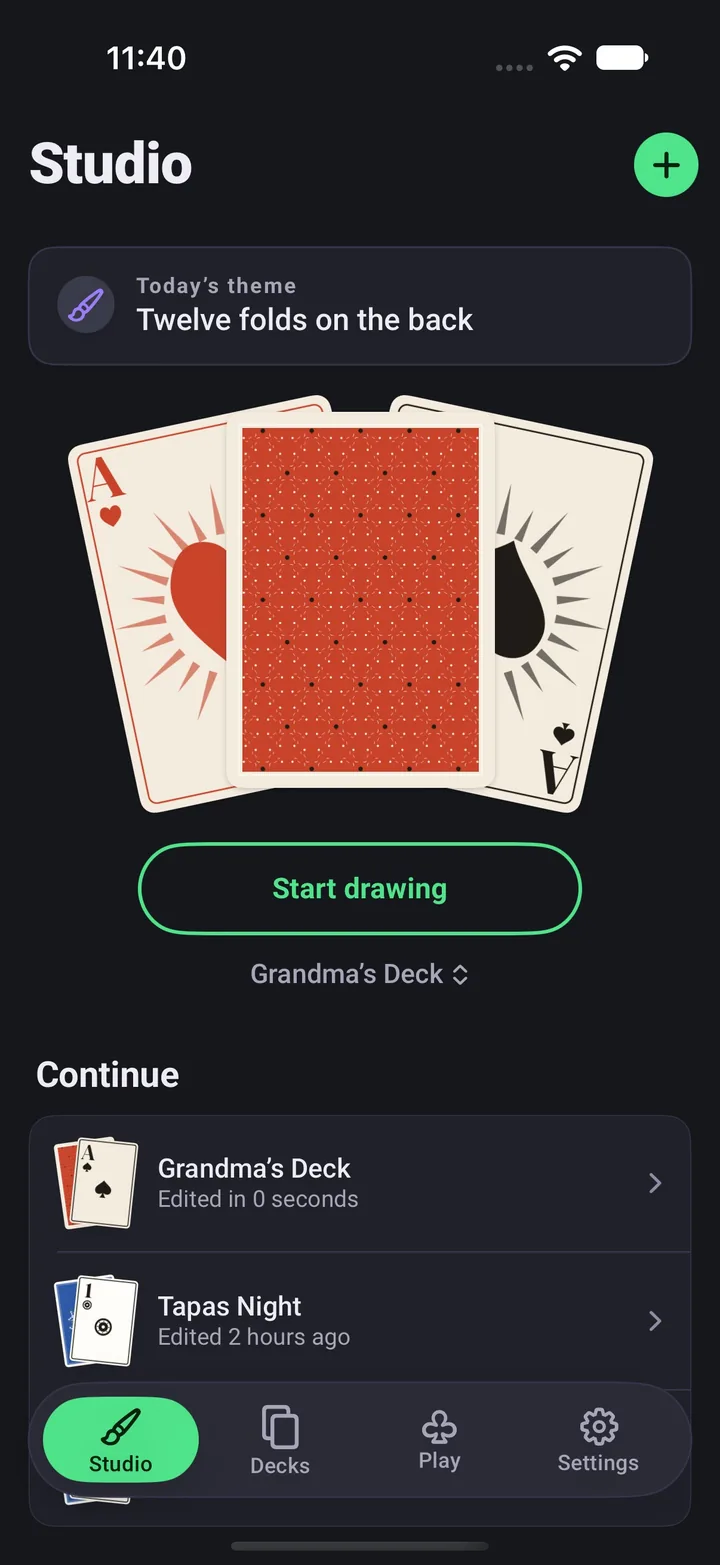
One
Open today's theme, or any card you like.
Forty small briefs come round in turn, each about one card. Save a change and the card gets a Done stamp and your streak grows. Undo and redo stay with you all the way.
 OneDeck Studio
Get the app
Pick a template, then change the suits, the pips, the paper and the back. Your friends can sit on the court cards.
When it looks right, print it with crop marks or play it on your iPhone.
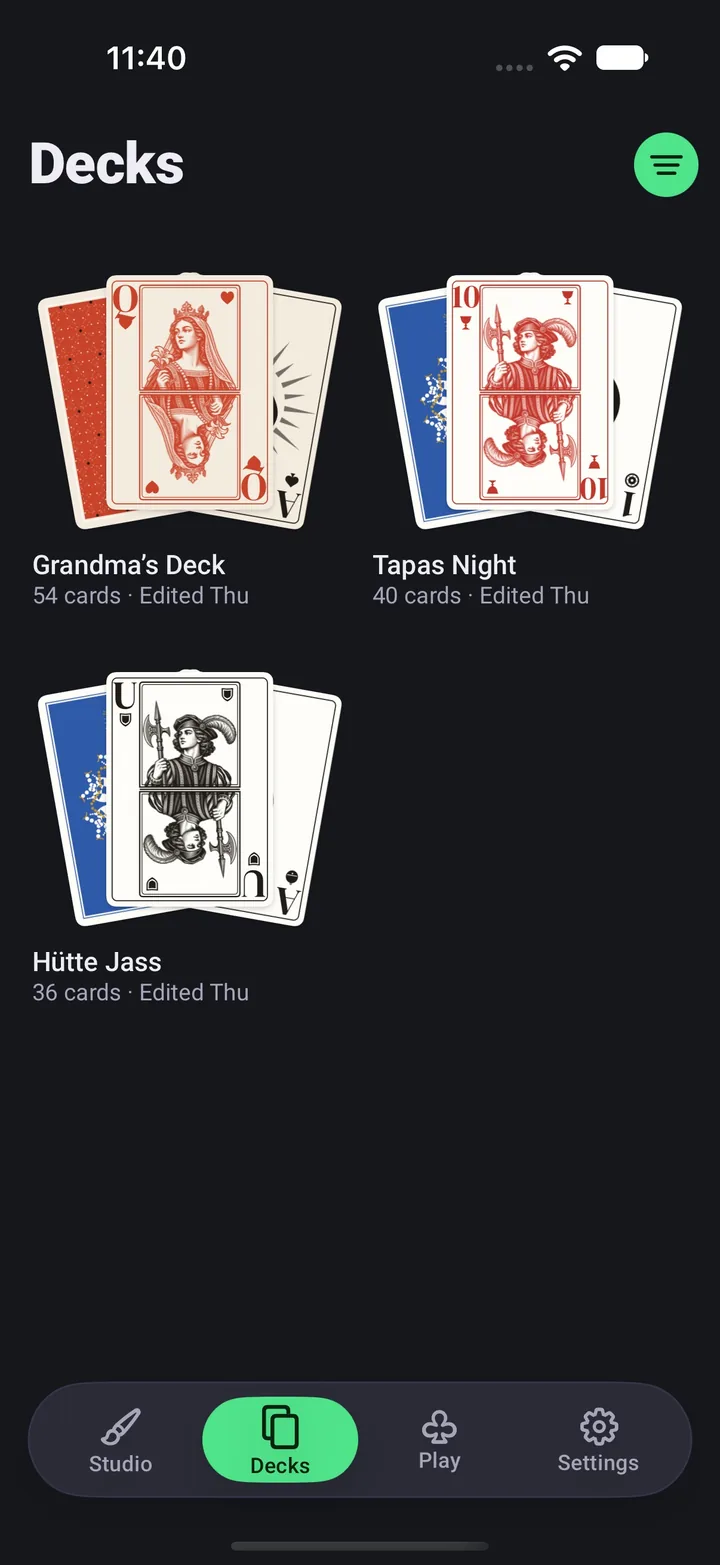
Open a card and work through the tools. Decide if a change touches this card, this suit or the whole deck, then press the buttons below and watch it happen.
Line the face up in the oval, switch between the front and back camera, retake as often as you like. Or pick a picture from your library.
Engraving, Poster, Halftone and Duotone, each with a strength control. The style takes the ink and paper of your deck.
The portrait flips at the centre line the way a real court card does, so it reads the same from both ends of the hand.
Photos are processed on your iPhone and stay inside the app.
One
Open today's theme, or any card you like.
Forty small briefs come round in turn, each about one card. Save a change and the card gets a Done stamp and your streak grows. Undo and redo stay with you all the way.
Two
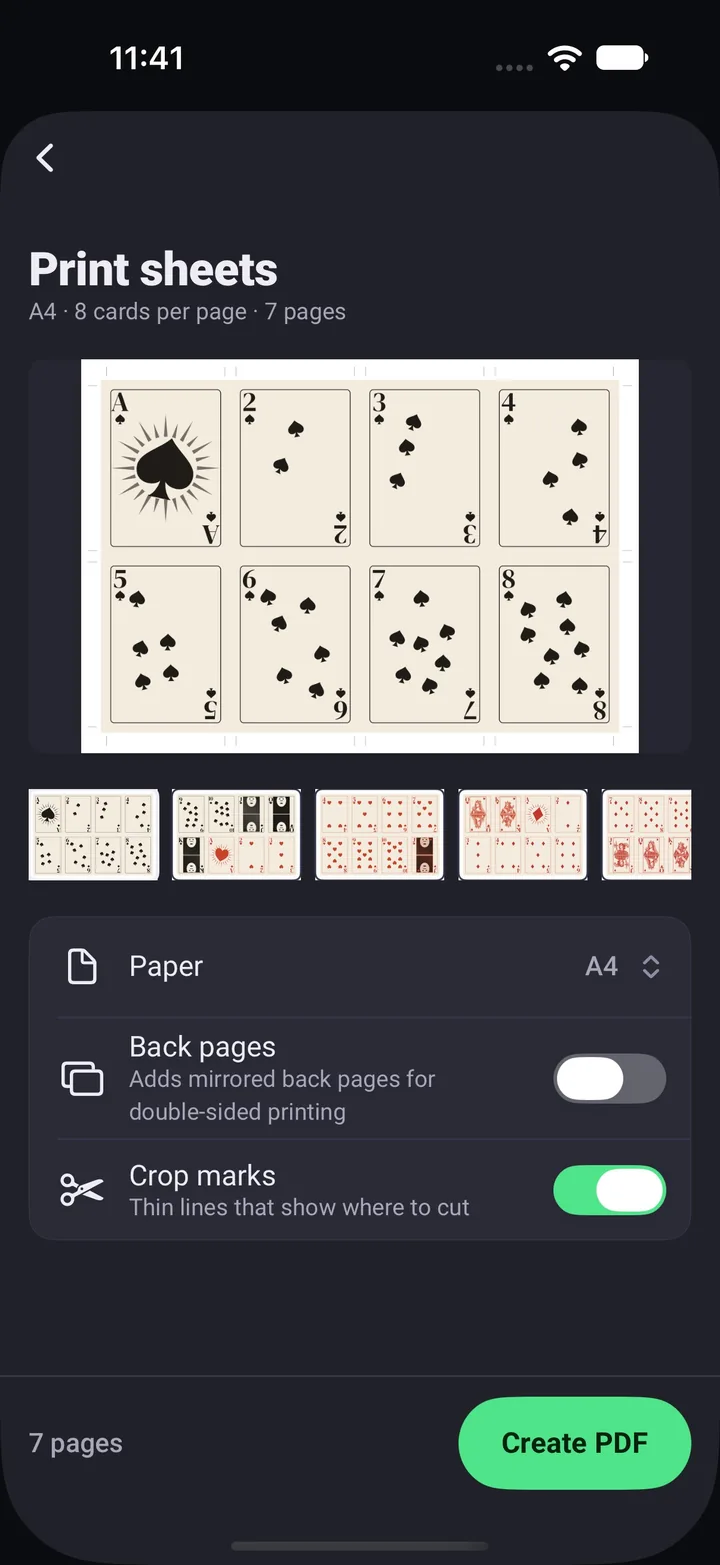
Make a PDF your printer understands.
Cards come out at 63 × 88 mm with 3 mm of bleed on A4 or US Letter. Crop marks show where to cut, and mirrored back pages cover double-sided printing.
Three
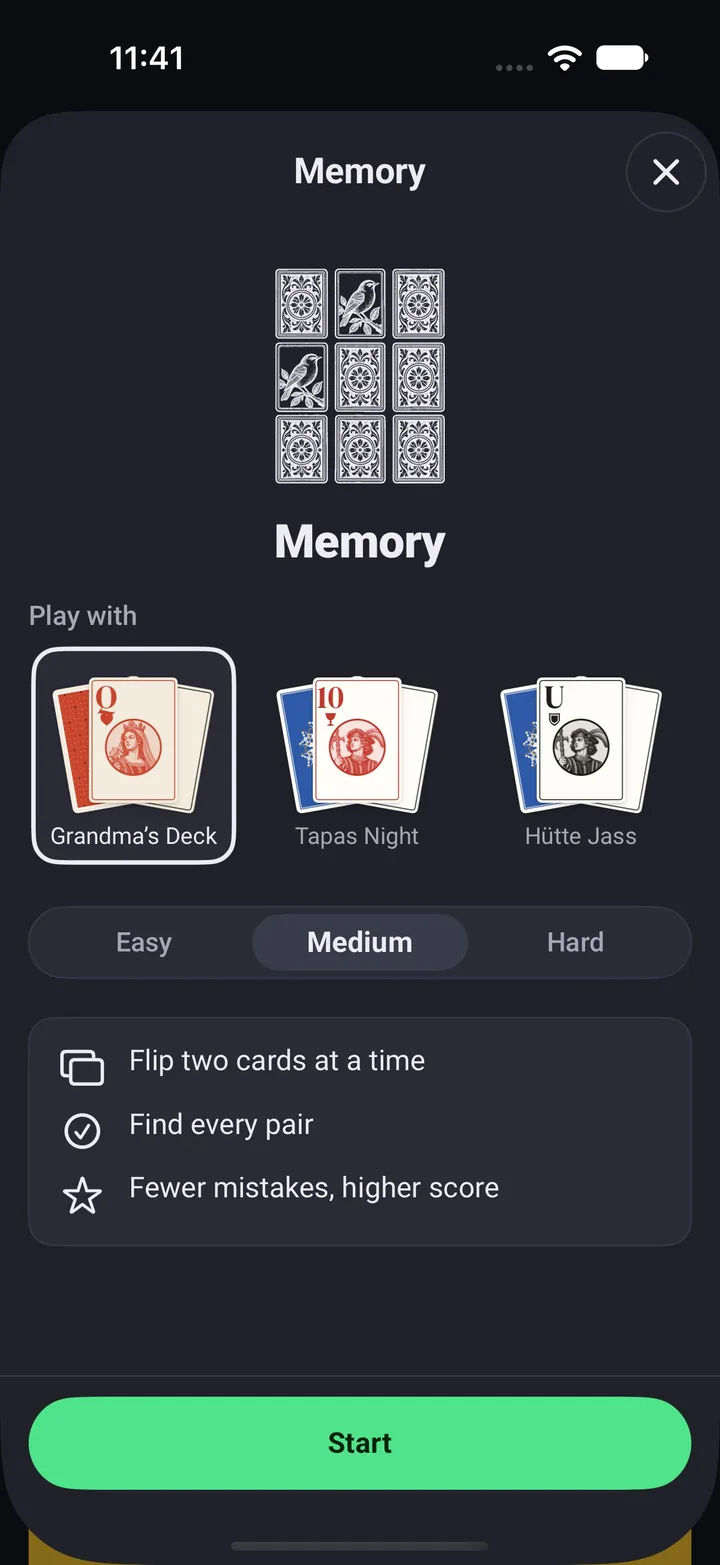
Deal your own deck on your phone.
Pick a deck before the round starts. Your backs, your courts and your friends land on the table, drawn by the same renderer that made the print sheets.
PDF pages with eight cards on A4 or six on US Letter, crop marks, bleed and optional back pages.
Every card as a 750 × 1050 PNG. Save them to Photos or send them through the share sheet.
Make a phone background from your deck: a single card, a fan of five, or a full-screen pattern.
A .onedeck file holds every setting and photo. Send it with AirDrop or Messages, and it arrives with a preview picture.
Forty small briefs for the ace, the joker, the back or the paper. A daily reminder is there if you want one.
Decks and photos live on the device, so the studio works the same on a plane or at the cabin.
Three card games come with the studio. The first round of each starts with a short tour of its rules, and the clock waits until you finish it.
Klondike with any French deck you have designed.
Flip two at a time and find every pair. Fewer mistakes, higher score.
Call the next card. One wrong guess ends the run.
More guides on the Support page.
No. There is no login and the app has no network features. Everything is designed, stored and printed from your iPhone.
Five templates: French with 52 cards and two jokers, Spanish 40, Spanish 48 with two jokers, German 32 and Swiss 36. Each one starts with its own suits and courts, and you can change them from there.
Yes. Press and hold a deck, choose Export, then Print sheets. You get a PDF for A4 or US Letter with 63 × 88 mm cards, 3 mm of bleed and crop marks. Print it at 100% scale so the size stays right.
They are processed on your iPhone and stored inside the app. They only leave the device if you share a deck file yourself, because the file carries its photos with it.
Press and hold the deck and choose Share deck. Your friend opens the .onedeck file from Messages, Files or AirDrop, or taps + in the Studio tab and imports it. The Deck received screen shows every card before they add it.
Memory and Higher or Lower take any deck. Solitaire needs a French deck, since Klondike is built on its 52 cards.
Any iPhone on iOS 16 or later. The app is made for iPhone in portrait, and the interface is in English.
No. The app has no ads and no in-app purchases.